Nadir: A Grimdark Deck Builder
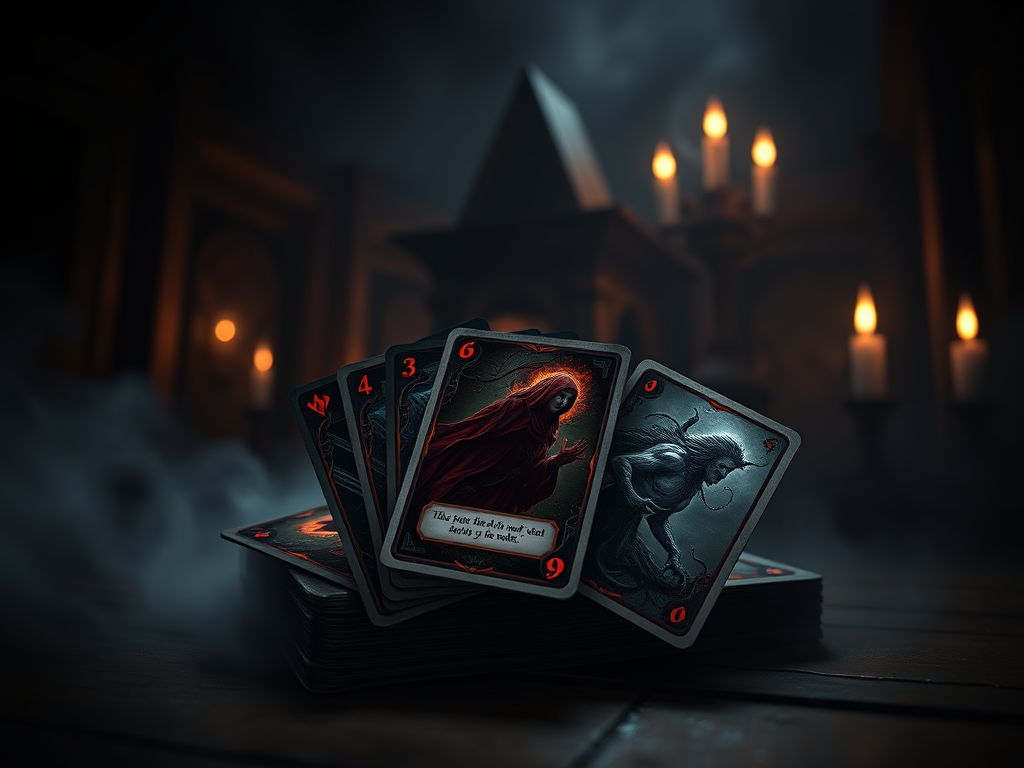
Welcome to my latest Cheat Engine Table for Nadir: A Grimdark Deck Builder! If you’re looking for ways to enhance your gameplay experience and unlock extra features, this table is designed to make things easier, more fun, and customizable.
Platform: PC (Steam Version Only)
Game: Nadir: A Grimdark Deck Builder
Table Functions:
- Enable Me – This function unlocks access to all other features in the table. Simply activate it to gain access to the other cheat options.
- Easy Win – This function gives you an advantage in battles, making it much easier to win. It can be used to bypass difficult sections, or just to enjoy the game without the grind.
- Unlimited Resources – This feature grants you unlimited resources, including currency and materials. Use this to never run out of what you need to progress in the game.
How to Use the Table with Cheat Engine:
- Download and Install Cheat Engine:
If you don’t have it yet, download and install Cheat Engine from its official website: https://www.cheatengine.org/. - Download the Cheat Engine Table:
Grab the Cheat Engine Table for Nadir: A Grimdark Deck Builder by clicking the download link here: [insert download link]. - Launch Nadir: A Grimdark Deck Builder:
Start the game via Steam and load your save file or start a new game. - Open Cheat Engine:
Open Cheat Engine, then click the computer icon at the top left to open the process list. - Select Nadir in Cheat Engine:
Find and select Nadir: A Grimdark Deck Builder from the list of running processes in Cheat Engine. It will typically be named something like “Nadir.exe”. - Open the Cheat Table:
Click File in Cheat Engine, then Load, and select the downloaded Cheat Engine Table (it should have the file extension.ct). This will load the cheat options. - Enable Me:
In the Cheat Engine Table, find the Enable Me script and activate it by checking the box next to it. This will unlock the other features in the table. - Activate the Cheat Functions:
- To use Easy Win, check the box next to it, and you’ll find that your battles will become much easier.
- To enable Unlimited Resources, simply check the box next to this option, and you’ll have infinite resources in your game.
- Enjoy the Game:
Once the cheats are enabled, you can continue playing the game with the activated features. Enjoy the enhanced gameplay experience!
Important Notes:
Use these cheats responsibly! They are designed to help you enjoy the game in a different way, but always keep in mind that cheats can alter your intended experience.
This Cheat Engine Table has been tested only on the Steam version of Nadir: A Grimdark Deck Builder. Results may vary on other versions of the game.
- This Cheat Engine Table has been tested only on the Steam version of Nadir: A Grimdark Deck Builder. Results may vary on other versions of the game.
- Use these cheats responsibly! They are designed to help you enjoy the game in a different way, but always keep in mind that cheats can alter your intended experience.
I hope this table makes your journey through Nadir: A Grimdark Deck Builder more enjoyable! If you have any feedback or need help, feel free to reach out. As always, happy gaming!
Download
| File | Description | Date added | File size | Downloads |
|---|---|---|---|---|
 Nadir
Nadir
|
22. February 2025 13:44 | 2 KB | 49 |